---
title: Logging in to the Member Portal
description: Logging in to the Member Portal
---
[Skip to content](https://support.loyco.io/knowledgebase/logging-in-to-the-member-portal#main-content)
[](https://support.loyco.io/knowledgebase?hsLang=en)
- [Support](https://support.loyco.io/knowledgebase/contact-us)
Show submenu for Support
- [Book a meeting](https://support.loyco.io/knowledgebase/book-meeting)
- [Contact us](https://support.loyco.io/knowledgebase/contact-us)
- [Program settings](https://www.loyco.io/onboarding)
Open main navigation
Close main navigation
- [Support](https://support.loyco.io/knowledgebase/contact-us)
Show submenu for Support
- [Book a meeting](https://support.loyco.io/knowledgebase/book-meeting)
- [Contact us](https://support.loyco.io/knowledgebase/contact-us)
- [Program settings](https://www.loyco.io/onboarding)
- [Admin login](https://auth.loyco.io/Identity/Account/Login)
[Admin login](https://auth.loyco.io/Identity/Account/Login)
\_
- There are no suggestions because the search field is empty.
1. [Loyco](https://support.loyco.io/knowledgebase?hsLang=en)
2. [Member Portal](https://support.loyco.io/knowledgebase/member-portal?hsLang=en)
3. [Registration & login](https://support.loyco.io/knowledgebase/member-portal?hsLang=en#registration-login)
# Logging in to the Member Portal
## Steps for an existing member to sign in and reach their Member Portal.
Logging in uses the same start as registration: verify your phone number, confirm a captcha, and enter a one-time code. Because your profile already exists, login skips the profile step and takes you straight to your Overview.
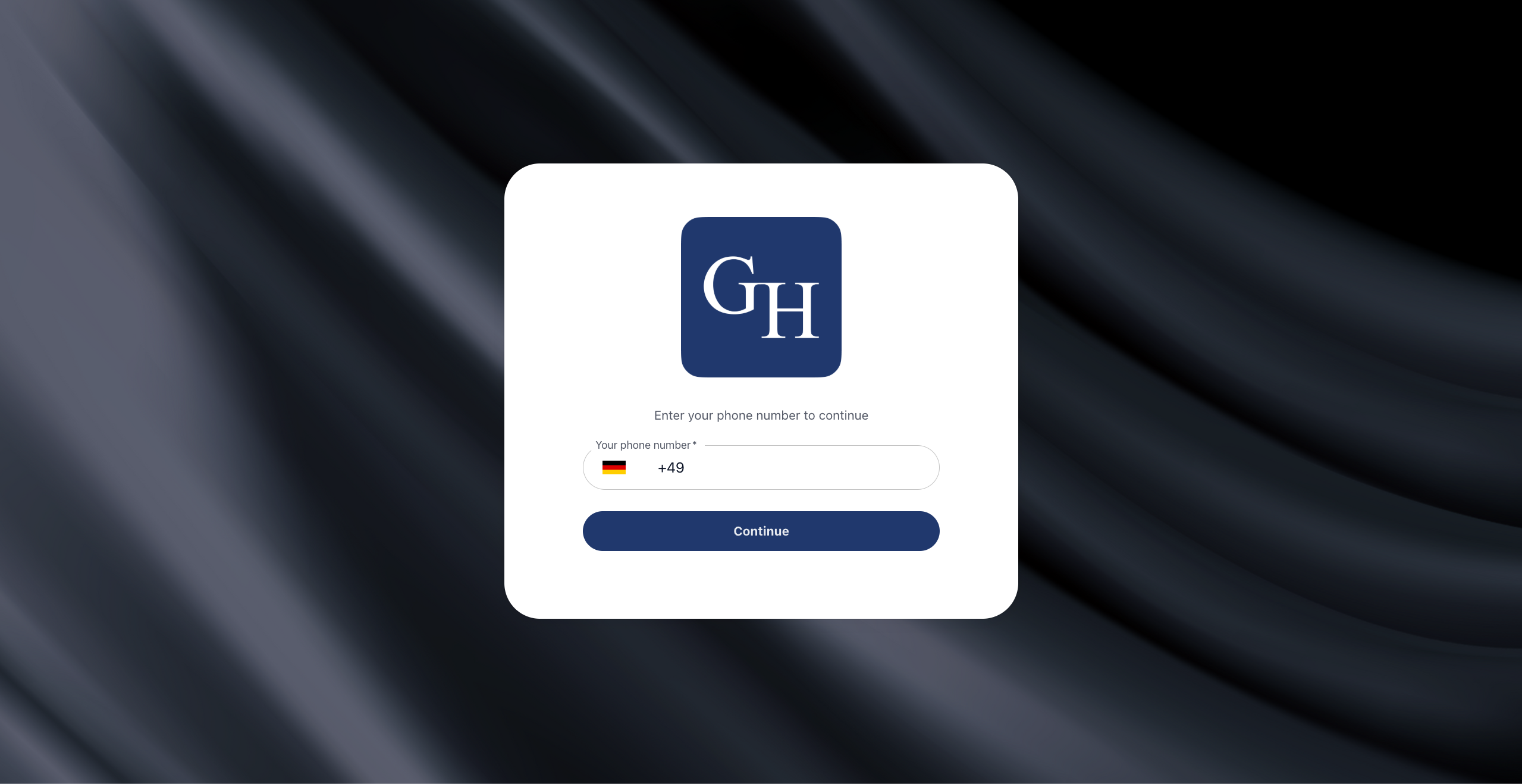
1\. Enter your phone number
On the sign-in screen, choose your country from the flag selector and enter your mobile number. Select **Continue** to proceed.
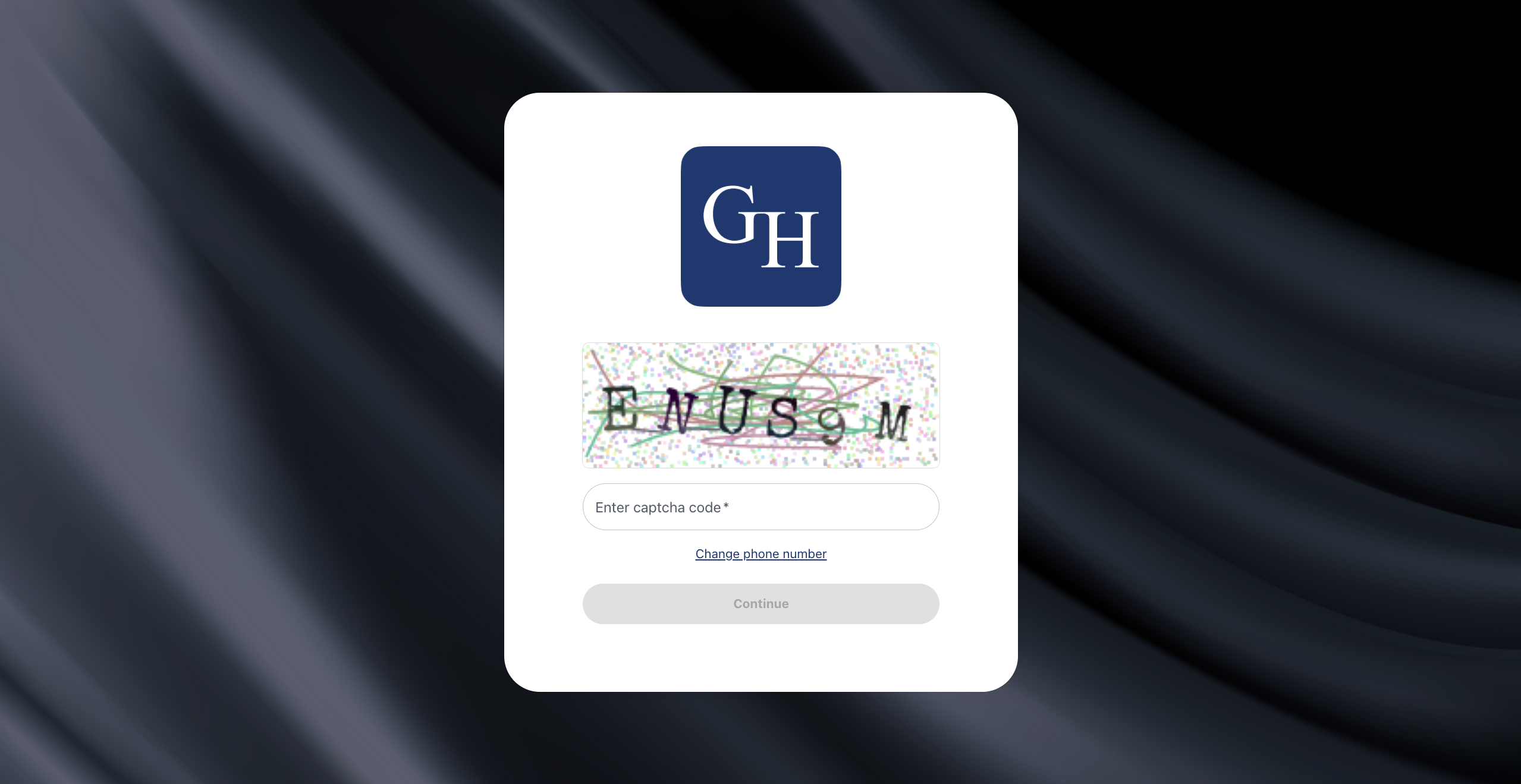
2\. Confirm the captcha
Type the characters shown in the image into the **Enter captcha code** field, then select **Continue**. If you need a different number, use **Change phone number**.
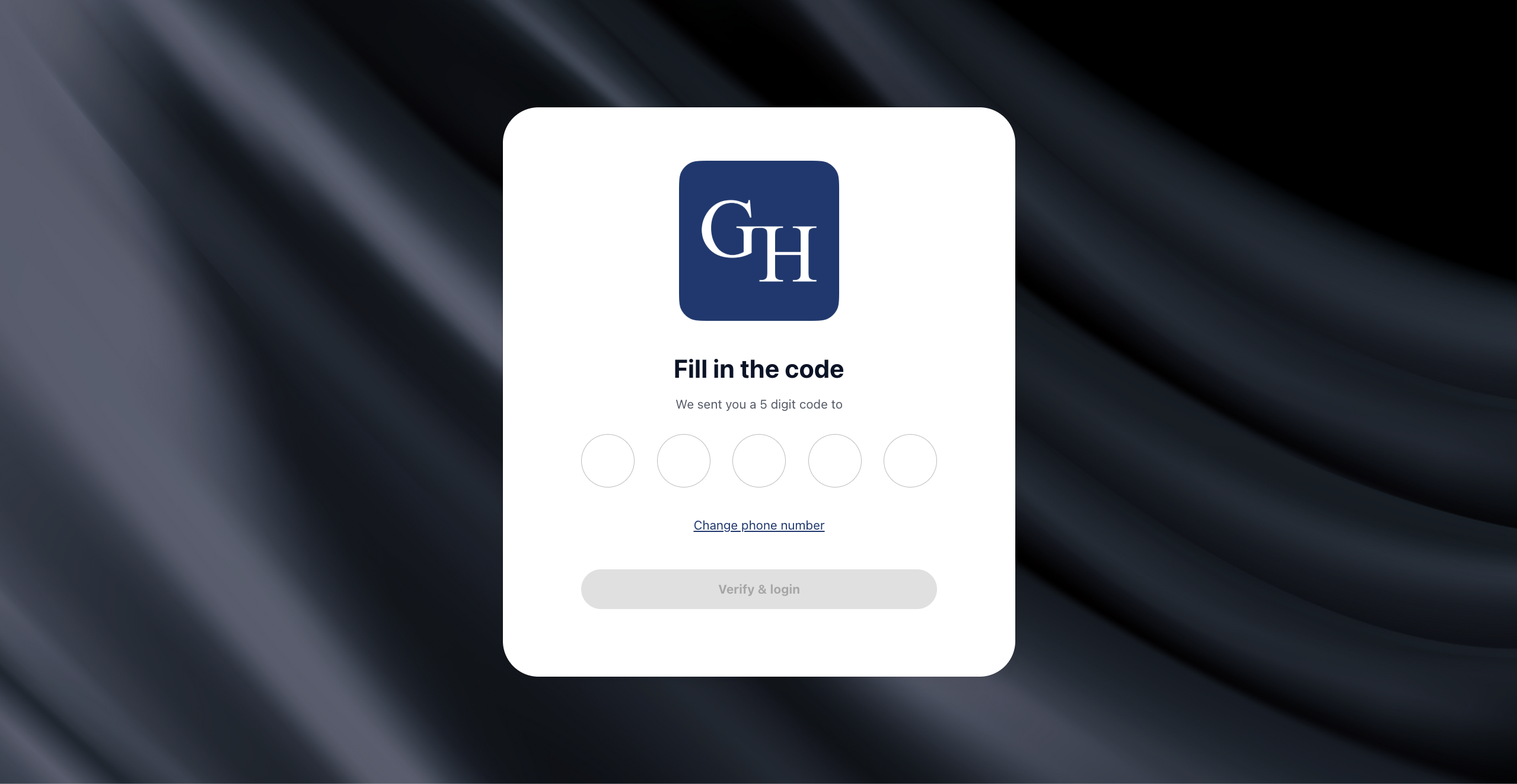
3\. Enter the code and log in
We send a 5-digit code to your number. Enter it in the **Fill in the code** boxes, then select **Verify & login**. If the code has not arrived, use **Change phone number** to go back and request a new one.
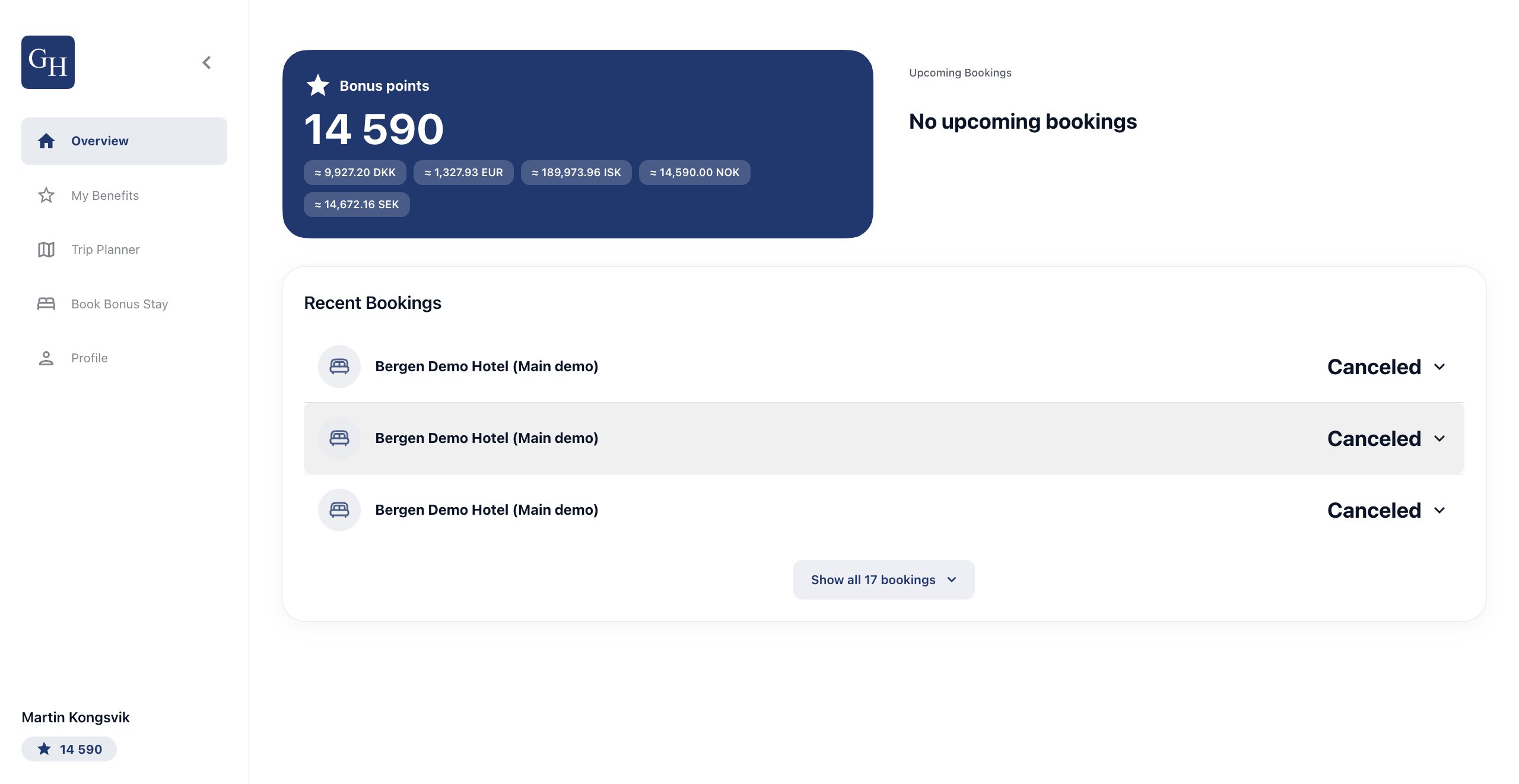
4\. Land on your Overview
You arrive at your **Overview**. It shows your **Bonus points** balance with approximate values in your local and other currencies, your upcoming bookings, and your recent booking history. Use the left-hand menu to reach **My Benefits**, **Trip Planner**, **Book Bonus Stay**, and **Profile**.
Good to know
- **No password to remember.** The phone number is the identifier and the one-time code is the login. There is no separate username or password.
- **Existing members skip profile setup.** Since the number already has a profile, login goes straight to the Overview. The profile step only appears for new members registering for the first time.
- **The code expires.** If the 5-digit code does not arrive within a minute or has expired, request a new one by re-entering your phone number.
- **Bonus points show in several currencies.** The balance displays an approximate value in the member's local currency and a few others, so members can gauge what their points are worth.
- **Branding varies by hotel.** Each portal carries its own logo, background image, colours, and configuration, so the screens will look different from one hotel to the next. The steps and the flow stay the same.
[](https://loyco.io)
[mailto:support@Loyco.no](mailto:support@Loyco.no)