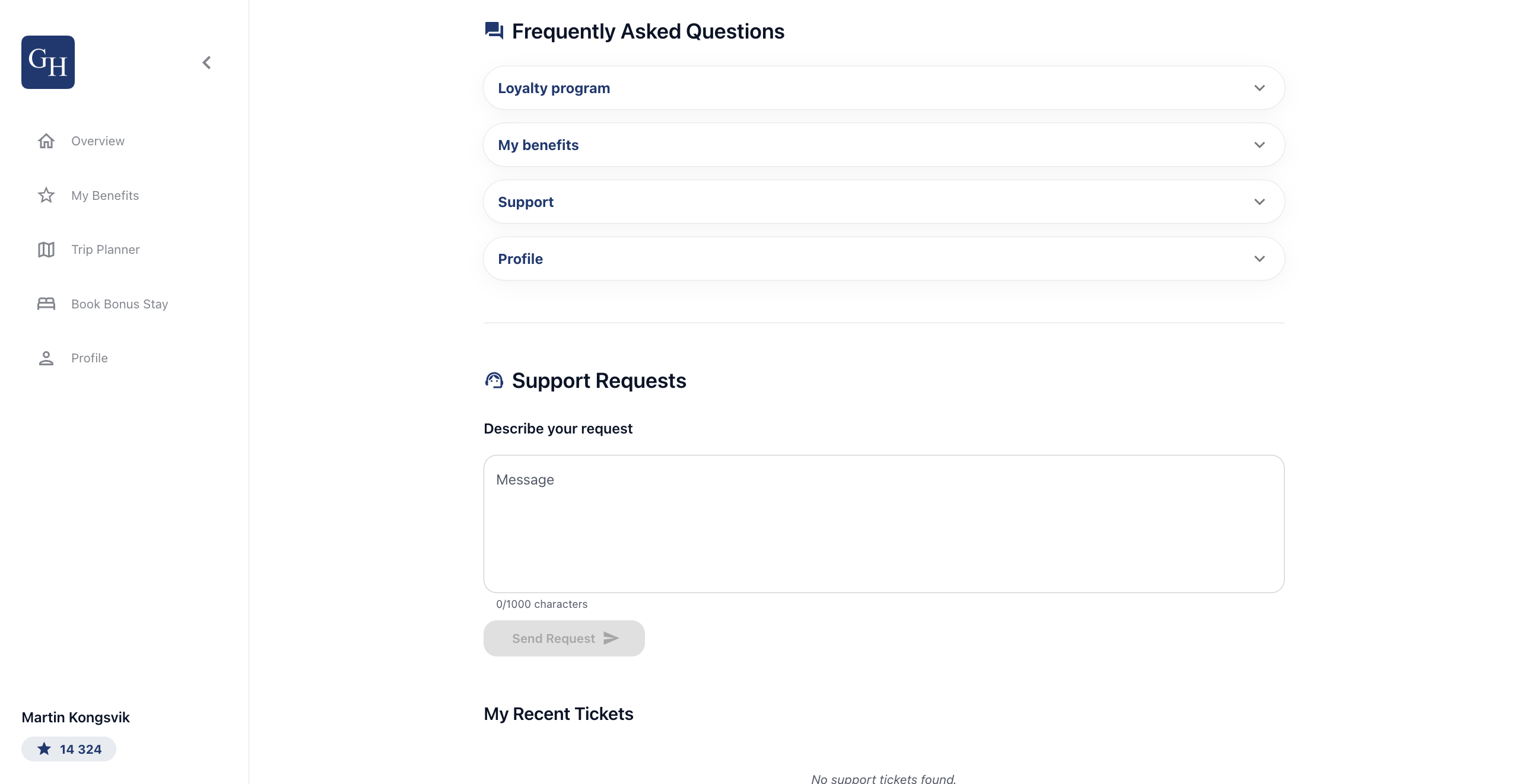
The Profile tab is where a member manages their account. It opens on a card with their name and email, followed by a Settings menu that leads to editing their details, managing consent, changing language, getting help, and logging out.
Profile and settings
At the top, the member sees their profile card with their name and email address. Below it, the Settings menu lists the available options: Edit profile details, Manage Consent, Language, Help & Support, and Log out. Selecting any option opens that screen.
Edit profile details
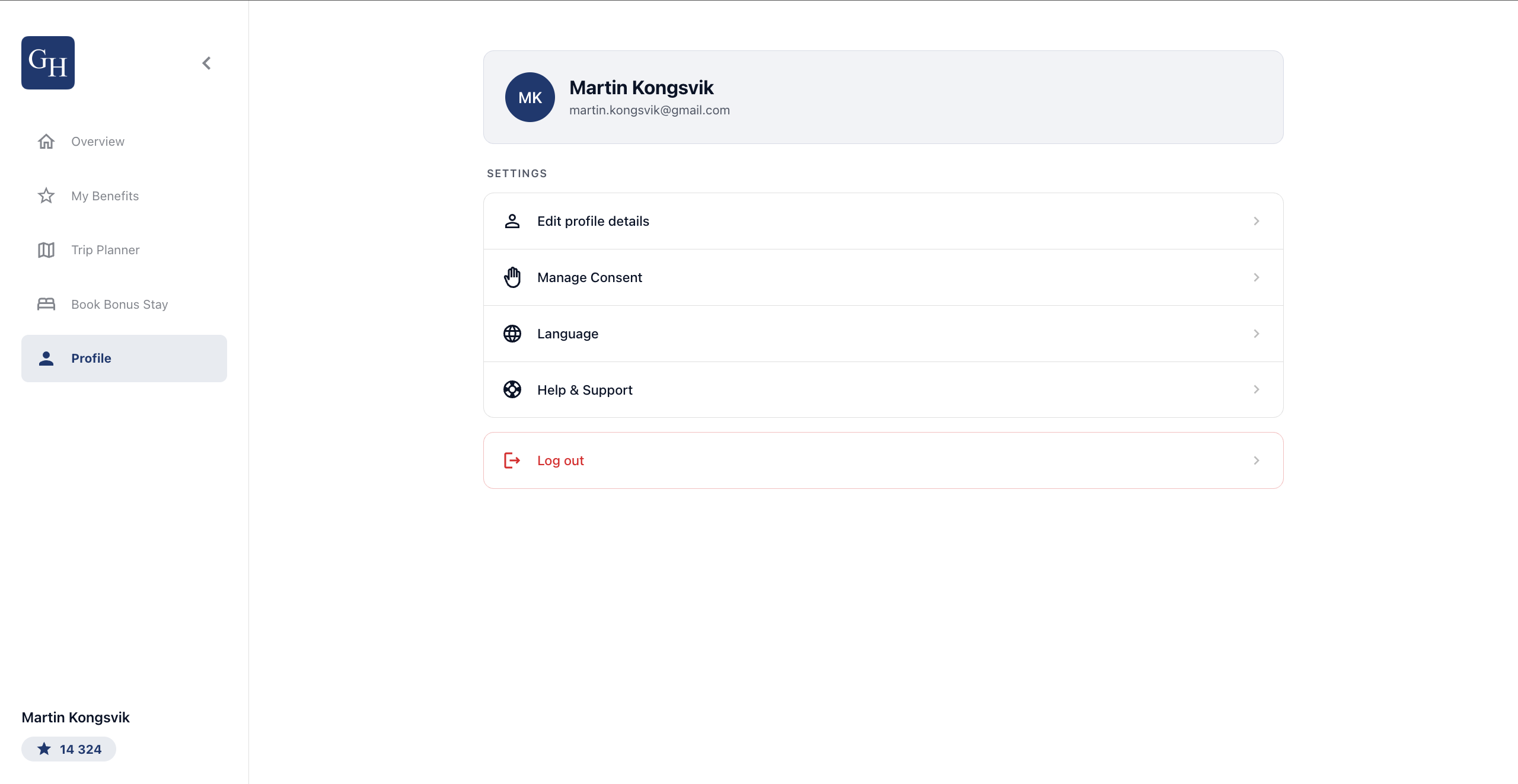
Edit profile details opens a form with the member's personal information: First name, Last name, Email address, Phone number, Gender, and Birth date, along with an Address section for street, postal code, city, and country. First name, last name, and phone number are required.
After making changes, select Save details to update the profile.
Manage Consent
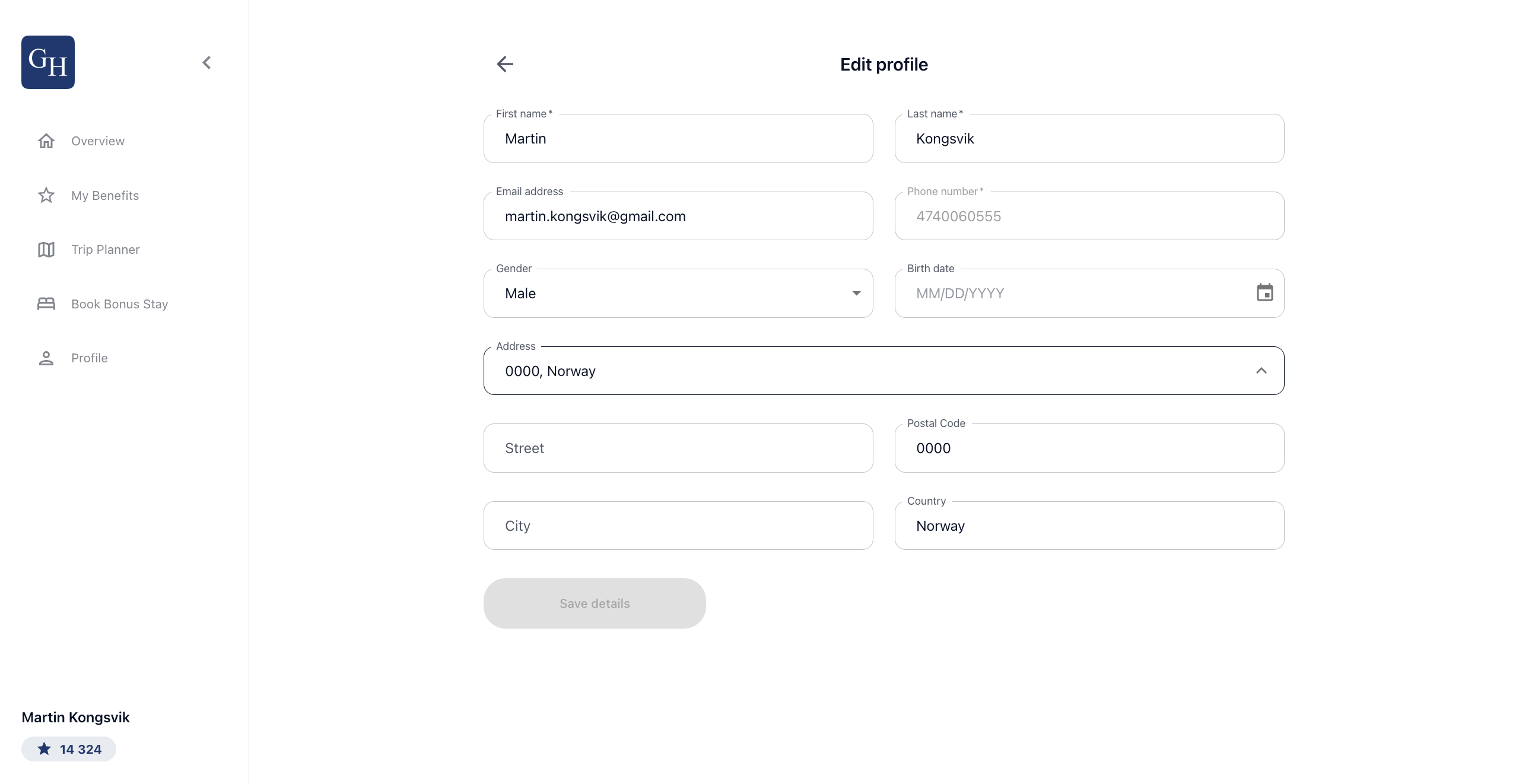
Manage Consent controls how the member hears from the hotel. Using the toggles, they can turn on or off consent to receive communication via E-mail, via SMS, and to receive personalized information. The User Agreement link is available for reference. Changes take effect immediately, and the member can update them at any time.
Language
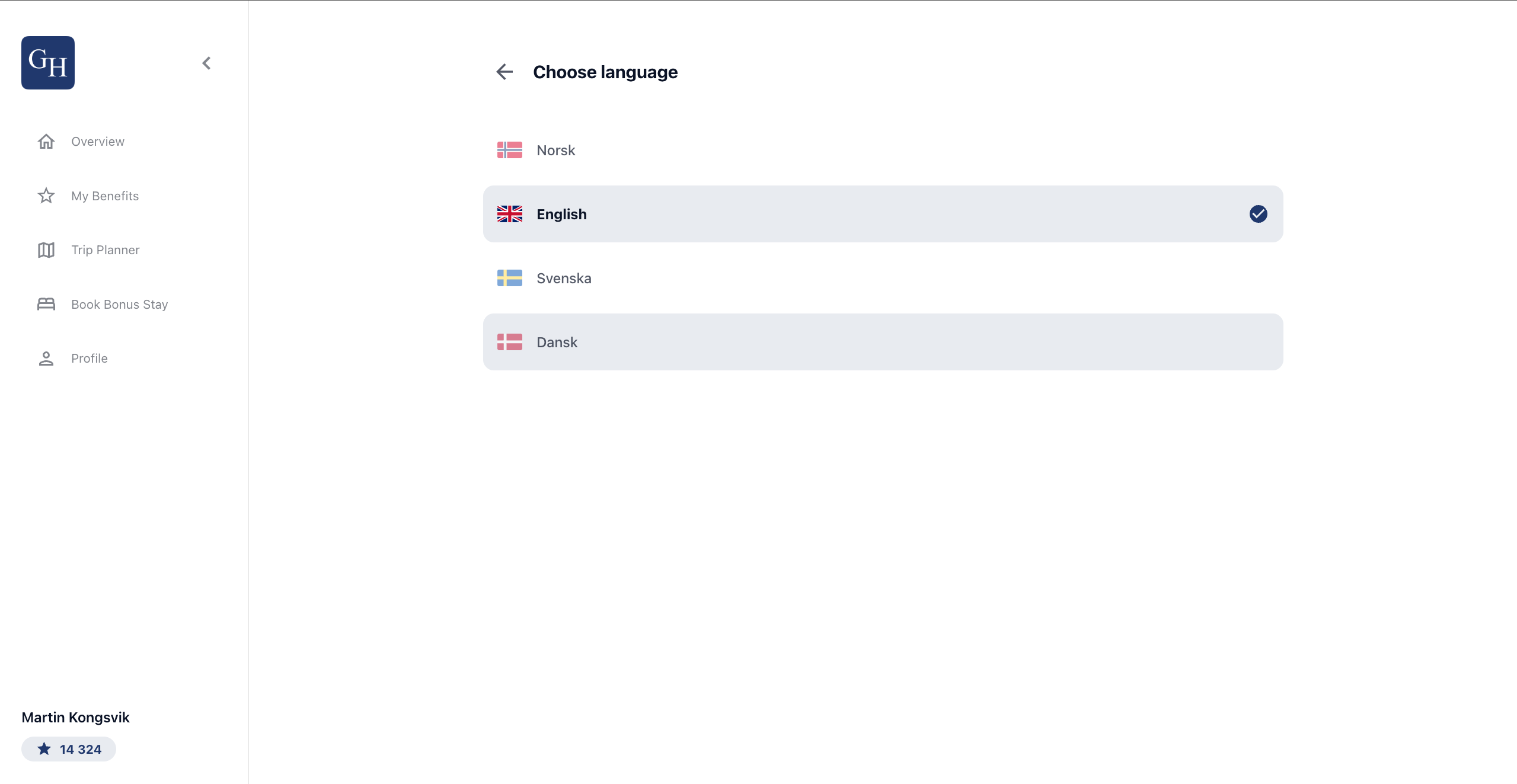
Language lets the member set the portal language. The current choice is marked, and options include Norsk, English, Svenska, and Dansk. Selecting a language applies it to the portal.
Help & Support
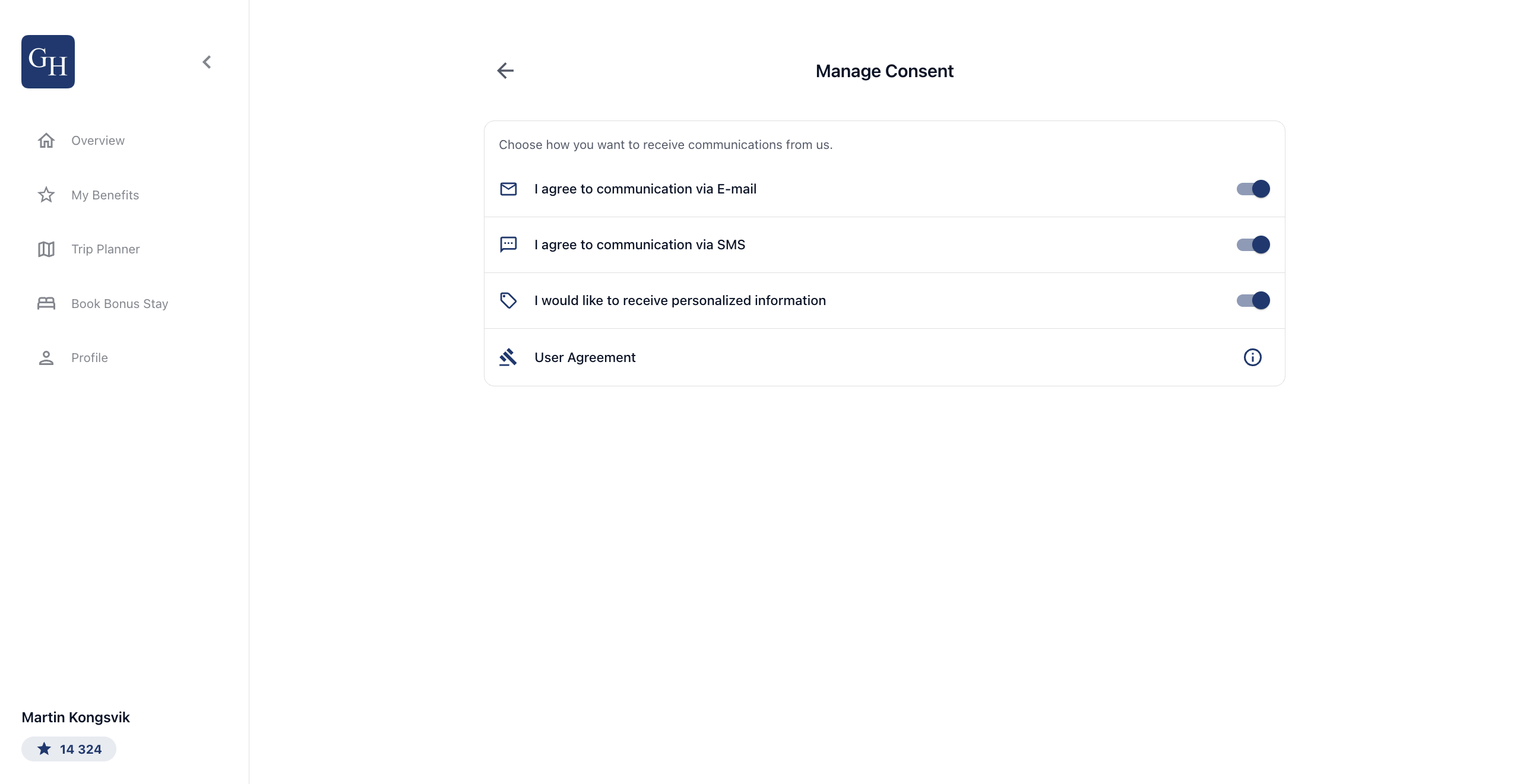
Help & Support brings together self-service help and a way to reach the team. The Frequently Asked Questions are grouped into expandable topics such as Loyalty program, My benefits, Support, and Profile. Under Support Requests, the member can describe their request in the Message field, up to 1000 characters, and select Send Request. Submitted requests appear under My Recent Tickets, which shows a message when there are none.