
Members register themselves in a few short steps: they verify their phone number, confirm a captcha, enter a one-time code, and fill in their profile. Once done, they land in the Member Portal with their bonus points and bookings.
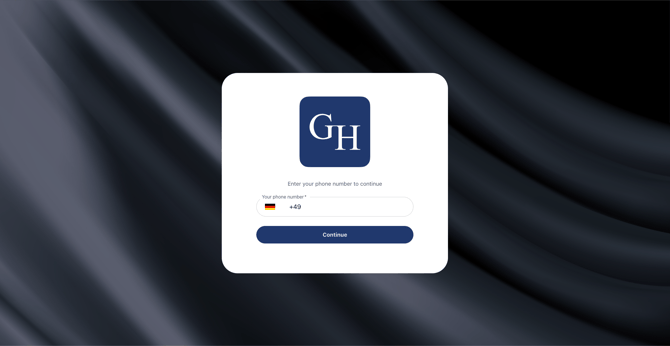
1. Enter your phone number
On the sign-in screen, choose your country from the flag selector and enter your mobile number in the field. Select Continue to proceed.
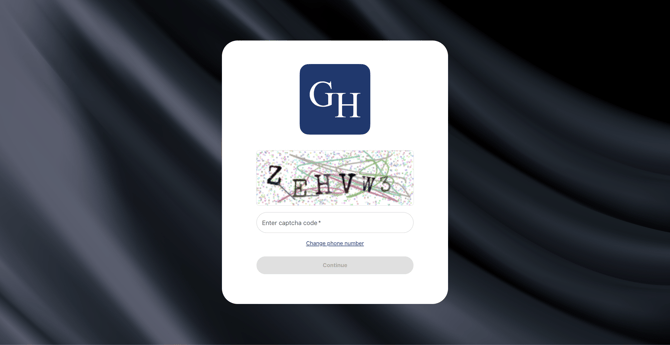
2. Confirm the captcha
Type the characters shown in the image into the Enter captcha code field, then select Continue. If you entered the wrong number, use Change phone number to go back a step.
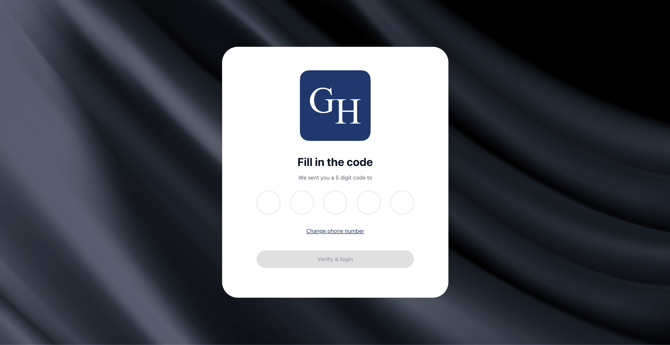
3. Enter the verification code
We send a 5-digit code to the number you provided. Enter it in the Fill in the code boxes. Verification happens automatically once all five digits are filled in.
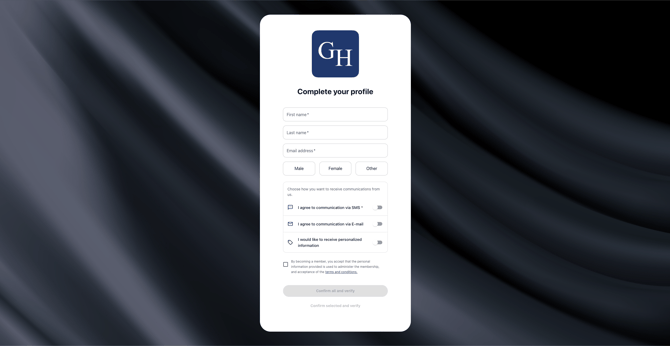
4. Complete your profile
Fill in your First name, Last name, and Email, then select your gender using the Male, Female, or Other buttons. Review the consent options for communication, and confirm to create your profile.
5. Access the Member Portal
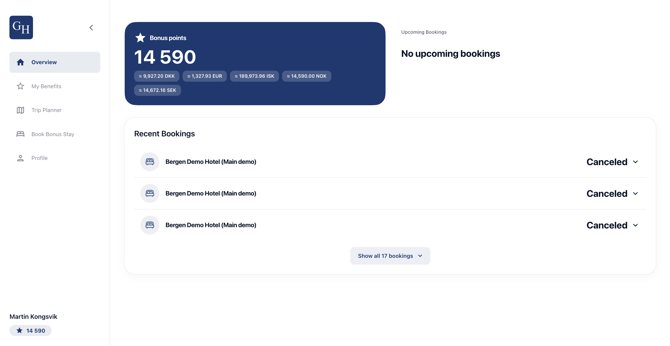
You land on your Overview. Here you see your current bonus points, any upcoming bookings, and your recent booking history. Use the left-hand menu to reach your benefits, bookings, and profile.
Good to know
- The code expires. If the 5-digit code does not arrive within a minute or has expired, go back and request a new one by re-entering your phone number.
- Already a member? Registering with a phone number that already has a profile signs the guest straight in rather than creating a duplicate. There is no separate login flow to remember, the phone number is the identifier.
- Wrong number entered? Use Change phone number at the captcha step before the code is sent. After the code is sent, restart the flow with the correct number.
- Consent is optional but recommended. Marketing consent controls whether the member receives campaign communication. It can be changed later under the member's profile settings.
- Captcha keeps things secure. The captcha is there to block automated sign-ups. If the characters are hard to read, refresh for a new set.
- Branding varies by hotel. Each portal carries its own logo, background image, colours, and configuration, so the screens will look different from one hotel to the next. The steps and the flow stay the same.