Switching between member and standard rates
Steps for receptionists to verify member status and correct a reservation booked at the wrong rate.
If a non-member has booked at the member price, or a member has booked at the standard rate, the receptionist can verify member status and switch the reservation to the correct rate.
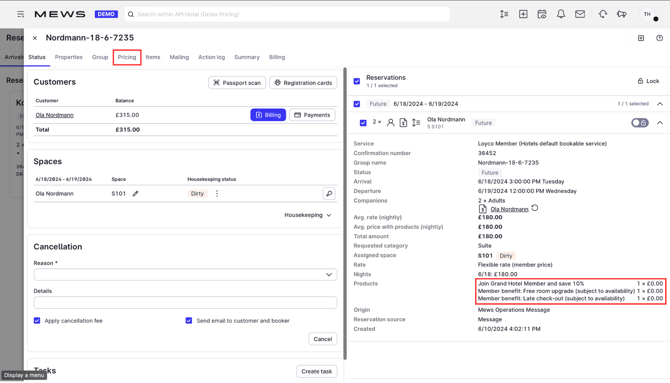
1. Open the reservation
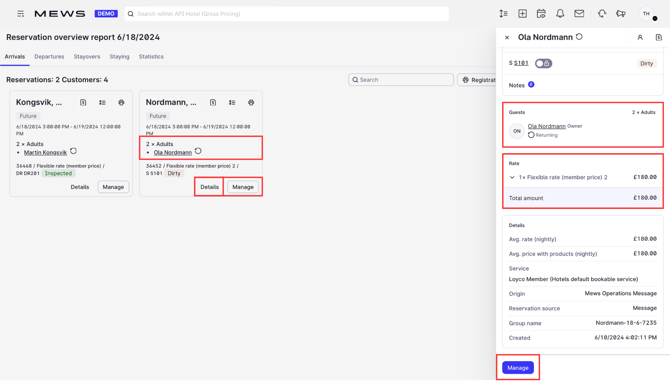
In the Reservation Overview, look for discrepancies between the rate and the member status, for example a Member Price combined with a non-member icon. Click Manage on the reservation.

2. Open pricing
Click Pricing in the reservation menu.

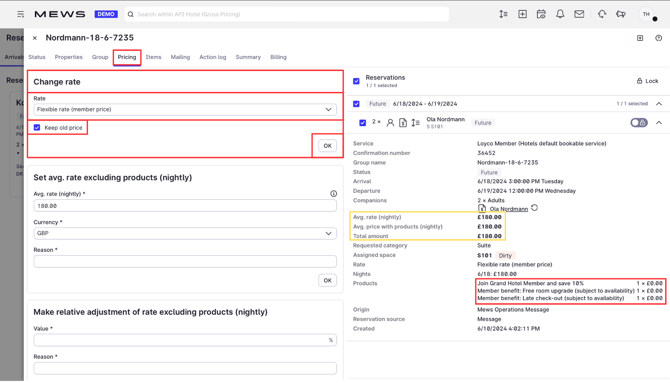
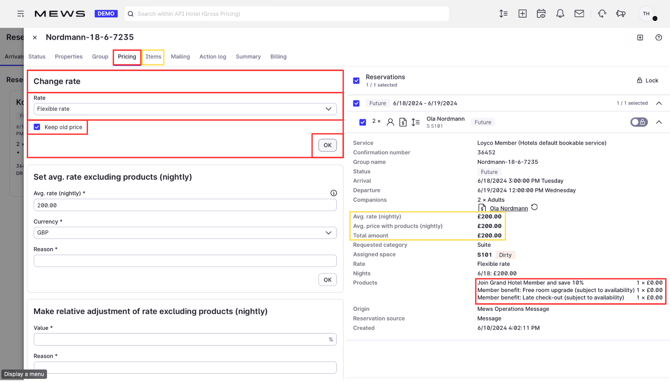
3. Change the rate
Deselect Keep old price and select the correct rate from the dropdown menu.

4. The price updates
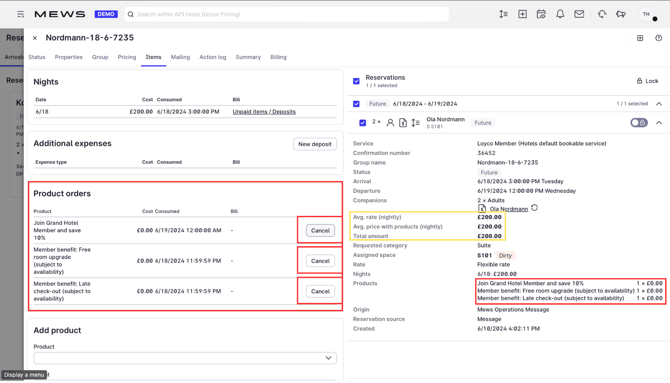
The price adjusts to match the new rate. For example, switching from a member rate to the standard rate increases the price by 10%.

5. Confirm the change
Check that the reservation now shows the correct rate.
Good to know
- The same steps apply in reverse if a member has booked at the standard rate.
- Not sure if the guest is a member? See Identify members in Mews.